

✨ Features
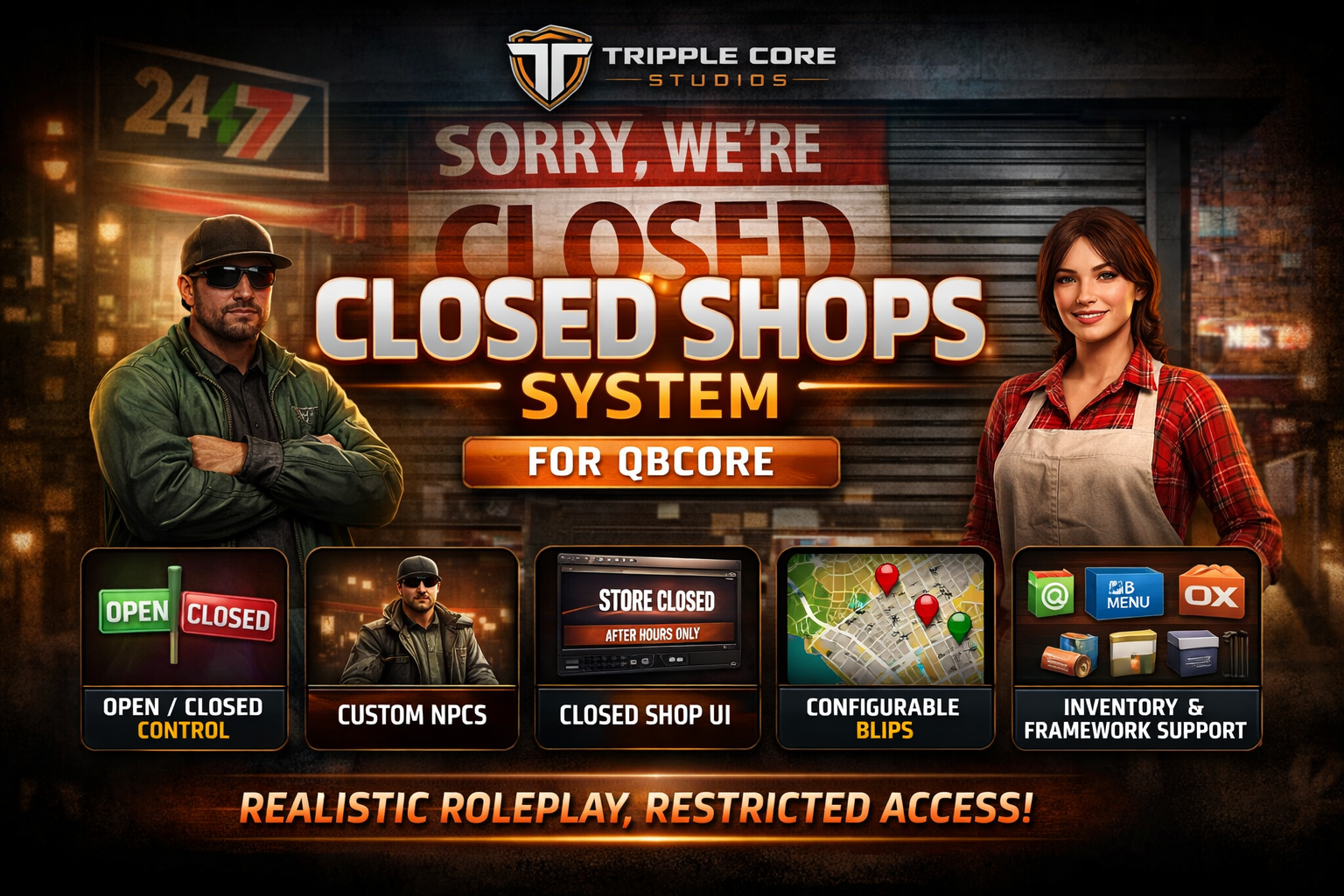
🔒 Dynamic Shop States
Seamlessly toggle shops between open and closed states.
Perfect for creating realistic business hours and immersive roleplay scenarios.
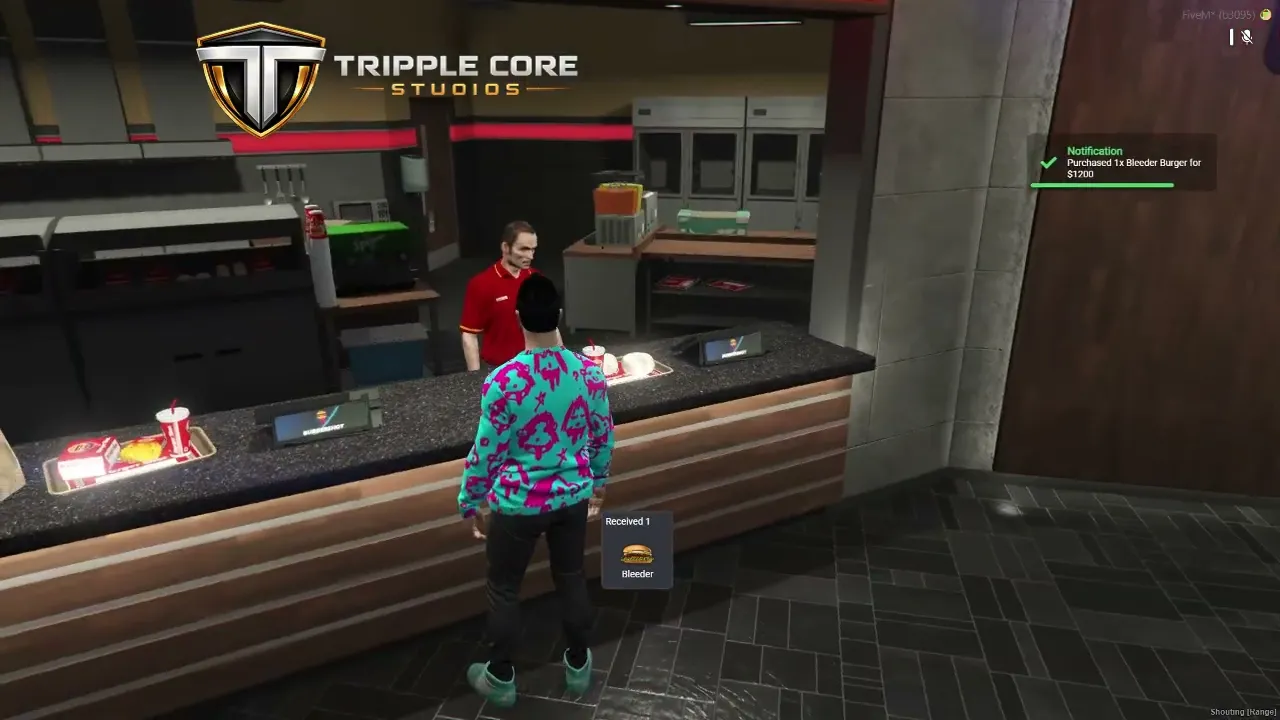
🧍 Custom NPC Shopkeepers
Fully configurable NPCs with custom outfits and models.
Supports multiple business locations with unique setups.
🗺️ Configurable Blips
Control how shops appear on the map:
Show or hide blips based on shop status
Fully customizable icons, colors, and labels
🎯 Multiple Interaction Support
Compatible with all major interaction systems:
QB-Target
OX Target
Standard “E” interaction (no target required)
🛒 Closed Shop UI
A clean, modern interface when interacting with closed shops.
Display custom messages, restricted access, or alternative options.
📦 Framework Compatibility
Works out of the box with:
QB-Core
QBOX
ESX
🎒 Inventory Compatibility
Supports all major inventory systems:
QB-Inventory
OX Inventory
QS Inventory
⚙️ Fully Configurable
Easily customize every aspect of the script:
Shop locations
NPCs (peds & outfits)
Items & shop data
Custom messages
Interaction methods
🎮 Use Cases
🕒 After-hours shop systems (realistic opening/closing times)
🔐 Staff-only or restricted access businesses
🕵️ Hidden / black market locations
🏢 Business ownership & roleplay systems
🛠️ Requirements
A supported framework (QB-Core / ESX / QBOX)
(Optional) QB-Target or OX Target
📦 Installation
Drag & drop into your
resourcesfolderAdd the resource to your
server.cfgConfigure your shops in
config.luaRestart your server
https://www.youtube.com/watch?v=f2eB7k-zOCA
